Hello, this is Niche Tech Space. This is online help for technology related to gaming. Here, you can find a new graphics card for your gaming PC for a new game, parts for your new PC build, compare prices, find niche games you have never played, and much more. For more short videos about these topics, along with some full-length videos, make sure to like, subscribe to the YouTube channel, and follow the social media pages including TikTok, Instagram, Facebook, and X.
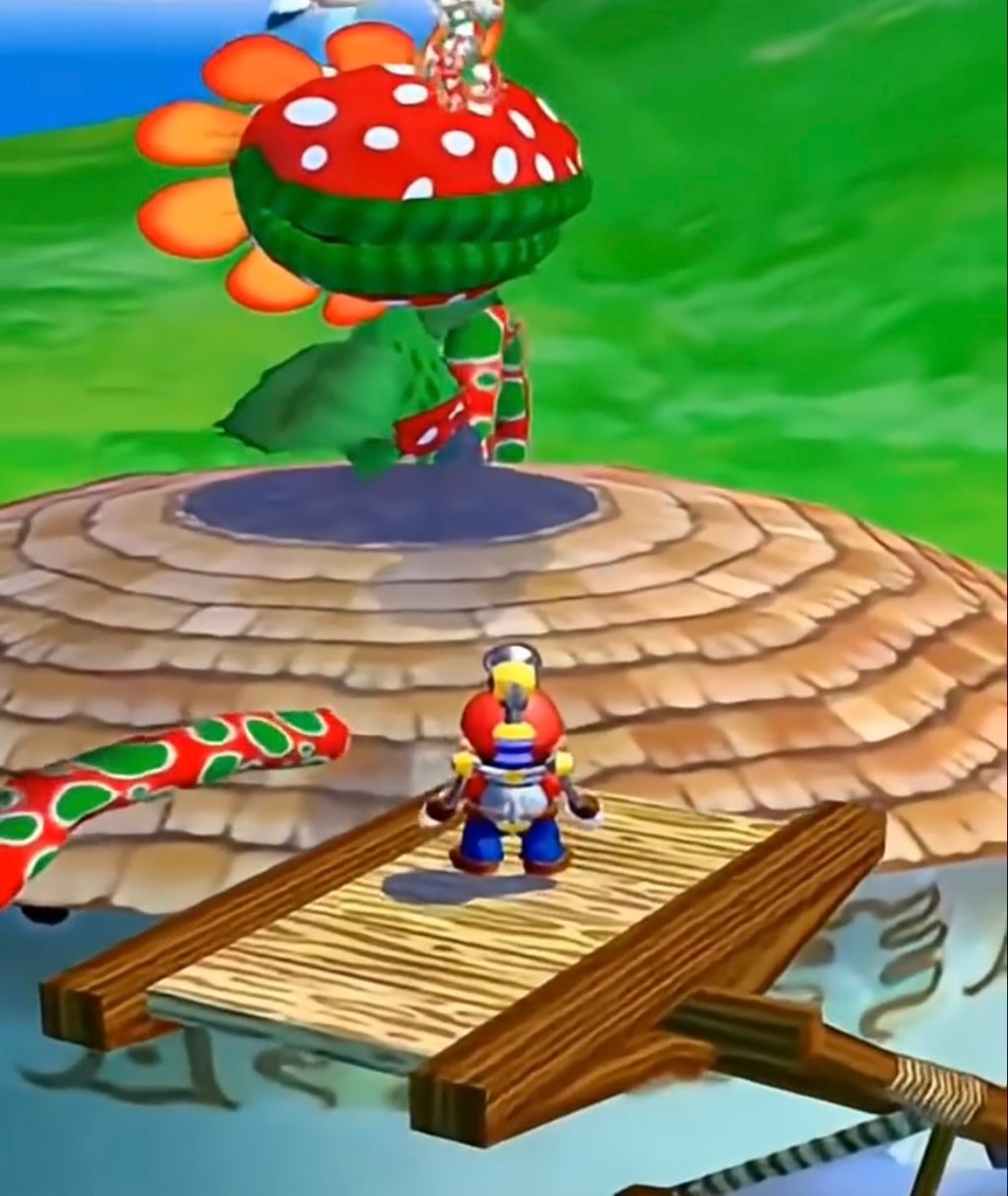
This video talks about how to play Super Mario Sunshine on your gaming PC. This is a classic platformer for the Nintendo GameCube, and it is one of the best 3D Mario games ever released. There is no official PC port for this game, so before we continue, make sure you own a copy of the game. I do not condone piracy of any kind.
To play this game on PC, you are going to need a GameCube emulator. The emulator used in this video is called Dolphin Emulator. This emulator has been around for years and is considered one of the best emulators ever created. It supports both Nintendo GameCube and Nintendo Wii games, has controller support, higher resolutions, texture enhancements, mods, widescreen support, and many other features that improve older games on modern hardware.
The first thing you want to do is go to the official Dolphin Emulator website and download the newest stable version for your operating system. Dolphin supports Windows, Linux, macOS, and even some Android devices. Once the emulator finishes downloading, install it like a normal application.
After installation, launch Dolphin Emulator. The interface might look a little confusing at first, but it is actually very simple to use. Most of the important settings are located at the top of the screen. Before adding any games, we are going to set up the graphics settings to make Super Mario Sunshine look and run much better than it did on the original GameCube hardware.
Go into the graphics settings menu. If you have a modern gaming PC, you can increase the internal resolution to 1080p, 1440p, or even 4K. This makes the game look much sharper than the original console version. You can also enable anti-aliasing and anisotropic filtering for even cleaner visuals. If your PC is lower-end, 720p or native resolution is still perfectly playable.
Now let’s talk about controllers. Super Mario Sunshine was originally designed for the GameCube controller, so using a controller is highly recommended. You can use Xbox controllers, PlayStation controllers, Nintendo Switch controllers, or even an original GameCube controller adapter. Go into the controller settings menu and map your buttons the way you want. Dolphin makes this process very easy.
One important thing to mention is shader compilation stutter. Sometimes, when you play a game for the first time on an emulator, you might notice small lag spikes while new effects load in. This is normal. After playing for a while, the game usually becomes smoother because the shaders get cached.
Another great feature in Dolphin Emulator is save states. Save states allow you to save the game at almost any moment and load it instantly. This is useful if you want to practice difficult platforming sections or avoid replaying long parts of the game after losing a life.
If you want an even better experience, there are also HD texture packs and fan-made mods for Super Mario Sunshine. Some mods improve lighting, textures, camera controls, and performance. However, if you are new to emulation, I recommend starting with the standard version of the game first before adding extra modifications.
Performance-wise, Super Mario Sunshine is not a difficult game to run on modern hardware. Even budget gaming PCs and many laptops can handle the game without major problems. If you experience lag, lowering the internal resolution or changing the graphics backend between Vulkan, DirectX, or OpenGL can sometimes improve performance.
One of the best parts about emulation is preserving older games. Many classic titles are locked to older hardware that becomes harder to find every year. Emulators like Dolphin help keep these games alive and playable for future generations. Again, make sure you legally own the game before using any ROM or ISO files.
Overall, Super Mario Sunshine still holds up extremely well today. The movement system feels smooth, the levels are creative, and the tropical setting gives the game a unique atmosphere compared to other Mario titles. Playing it on PC with higher resolutions and stable performance can make the experience even better than the original console release.
If this video helped you, make sure to like, subscribe, and follow Niche Tech Space for more gaming and technology content. There will be more videos about gaming PCs, emulation, graphics cards, classic games, and tech tutorials coming soon. Thanks for watching.
 Niche Tech Space
Leave a comment