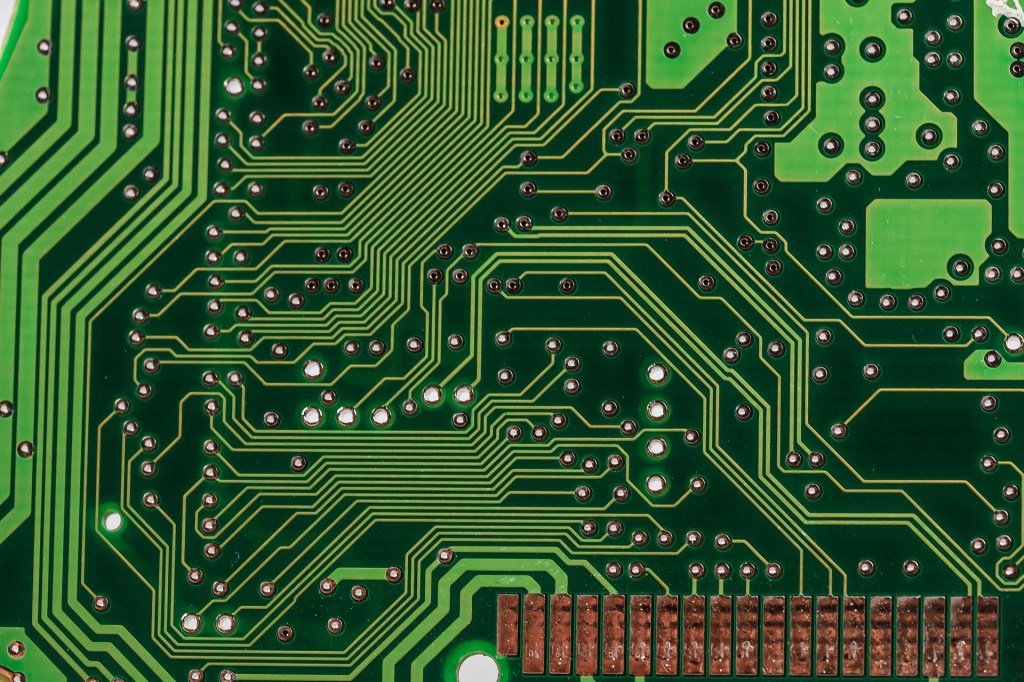
So, what exactly is a motherboard? Honestly, the best way to think about it is like the circulatory system of your body. Just like veins and arteries keep everything flowing and connected inside us, the motherboard does the same inside your computer. It moves electricity, connects all the major parts, and makes sure everything works together smoothly. Without it, the other components would just sit there doing nothing.
Every computer, no matter how big or small, has one. But the type of motherboard can vary depending on what kind of machine you’re working with. If you open up a desktop tower, you might find a full-size board with plenty of room for upgrades. On the other hand, smaller builds like mini PCs or media centers might use more compact boards that save on space.
Let’s talk about the kinds you’re most likely to come across. One of the most common ones is the ATX motherboard. These are full-sized and have lots of room for adding stuff like graphics cards, extra RAM, and cooling systems. If you want to build a powerful gaming PC or workstation, ATX boards are a solid choice.
Then there’s the micro ATX, which people often call mATX. These are a bit smaller but still pretty capable. They’re great for budget builds or medium-sized cases where space matters, but you don’t want to sacrifice too much on features.
You’ve also got ITX boards, like the mini ITX and pico ITX. These are made for really compact systems. Think tiny gaming PCs or home theater computers that need to fit in small cases or sit quietly next to your TV. They can still pack a punch, but you won’t get as many expansion slots or extra features like on a full-sized board.
Now, motherboards have come a long way in terms of design. It’s not just that green circuit board look anymore. Nowadays, you’ll see all kinds of colors, built-in RGB lighting, and even sleek designs meant to show off your build if you’ve got a windowed case. If you’re into customizing your setup, there are tons of stylish options to match your vibe.
Alright, so how do you even choose the right motherboard? That really comes down to what kind of processor you’re using. Your motherboard has to match your CPU, or it just won’t work. For example, if you go with an Intel processor, you’ll need a board that has an LGA socket. But if you’re going with AMD, you’ll be looking for one that supports PGA sockets, or in some newer AMD boards, LGA as well. AMD has actually been shifting toward LGA sockets lately, so it’s worth double-checking.
Let me give you a quick example. Say you’ve got an Intel Core i5 9400F. You’ll need a motherboard that uses the LGA 1151 socket to make it compatible. Or maybe you’re picking up a Ryzen 5 5900X—you’d want something with an AM4 socket in that case. These pairings are super important, so always check before you buy. It’s easy to get excited about grabbing a good deal on a CPU or motherboard, but if they don’t fit together, you’re stuck with some very expensive paperweights.
Besides the socket, you’ll also want to think about what kind of features you need. Are you planning on using Wi-Fi, or do you prefer wired Ethernet? Do you need support for high-speed M.2 SSDs? What about multiple graphics cards or tons of USB ports? Different boards come with different capabilities, so make a list of what matters most to you before shopping.
For gaming especially, it’s smart to pick a board that can support high-end graphics cards, has enough cooling options, and maybe even a little RGB flair if that’s your thing. And if you’re more into content creation or video editing, make sure your board can handle lots of memory and fast data speeds. Having those extra features can make a real difference in how smooth your system runs.
Motherboards also have chipsets, which basically determine what the board can do. Think of the chipset like the brain of the motherboard—it decides what kind of features the board has and how it communicates with other components. Some chipsets are better for gaming, while others are more geared toward professional work or everyday tasks. Intel and AMD both release new chipsets every few years, usually alongside new CPU generations, so it’s a good idea to check for the latest ones if you want to stay current.
Now, once you’ve got your motherboard picked out, it’s really satisfying to put it all together. If you’ve never built a PC before, it might feel a little intimidating at first, but it’s kind of like putting together a high-tech LEGO set. Each part has a spot, and when everything clicks into place, it just feels right.
Before you go off and buy one, make sure to check out some good recommendations online. Amazon’s a great place to start because you can read tons of user reviews and compare features side-by-side. You’ll find models from ASUS, MSI, Gigabyte, ASRock, and more—all with options for every budget and build size. They’ve got deals during big events like Prime Day or Black Friday, and if something doesn’t work out, their return policy is usually solid.
To wrap it all up, the motherboard is one of the most important pieces of your computer setup. It connects everything, powers everything, and sets the foundation for how your system performs. Whether you’re building a beast of a gaming PC, a minimalist home setup, or just upgrading your current rig, choosing the right motherboard makes a big difference. Take the time to match it with your CPU, consider the features you’ll actually use, and don’t be afraid to go with something that looks cool too. After all, you’re the one who’s going to be using it every day—might as well enjoy the view.
And if you’re still curious or want to dive deeper into different models, chipset comparisons, or even more detailed setup guides, there’s a ton of great content out there to check out. Your perfect build is totally within reach—you just need the right board to build it on.
 Niche Tech Space
Leave a comment